
Web Hosting Control Panel: Features, Types & Benefits
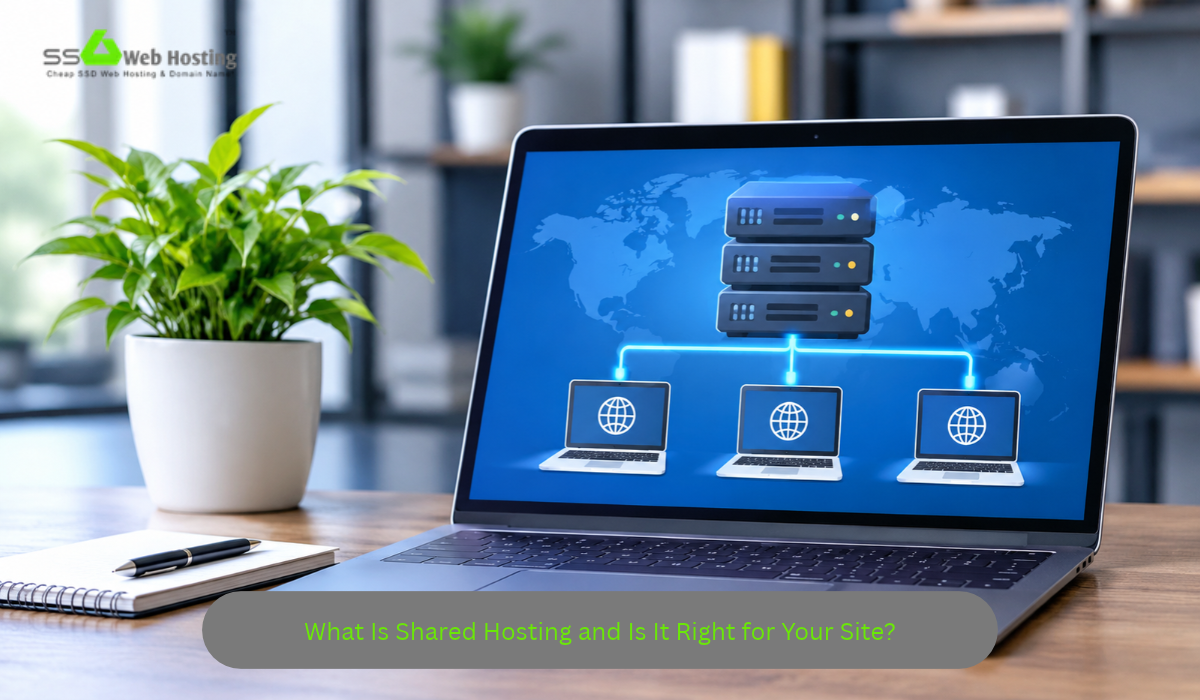
Web Hosting Control Panel: Everything You Need to Manage Your Website
Managing a website involves several technical responsibilities, from uploading files and connecting domains to maintaining databases and configuring email accounts. Without suitable management tools, these tasks can require command-line knowledge and an understanding of server administration.
A web hosting control panel simplifies these activities by providing a central dashboard where website owners can manage hosting services through a graphical interface. Instead of working directly with server commands, users can access common functions through menus and settings.
Whether you’re launching your first website, maintaining a business platform, or managing several online projects, understanding hosting control panels can help you work more efficiently. This guide explains their features, benefits, popular options, and important considerations when choosing a hosting provider.
What Is a Web Hosting Control Panel?
A web hosting control panel is a software interface that allows users to manage websites and hosting-related services from one location. It provides tools for handling domains, files, databases, email accounts, security configurations, and other administrative tasks.
Hosting providers often include control panels with shared hosting packages, managed VPS services, and reseller hosting accounts.
The features available depend on the software, hosting package, and permissions assigned to the account.
For beginners, a control panel reduces the need for advanced technical knowledge. Experienced users can also benefit from convenient access to routine management functions.
How Does a Web Hosting Control Panel Work?
A hosting control panel communicates with the underlying server services to perform administrative tasks.
When a user selects an option, such as creating an email account or adding a domain, the control panel sends the appropriate instructions to the hosting environment.
Centralised Website Management
Control panels organise hosting features into categories, allowing users to find relevant tools without navigating multiple applications.
For example, website owners may manage files, databases, and domain settings through the same dashboard.
Server-Level Integration
Control panels interact with web servers, database systems, email services, and other components.
However, users can access only the features and permissions provided by their hosting account.
Account Resource Monitoring
Some control panels display storage consumption, bandwidth usage, CPU limits, and other relevant information.
These measurements help website owners identify resource restrictions and determine whether additional capacity is required.
What Are the Essential Features of a Hosting Control Panel?
Different control panels provide different tools, but several features are common across modern hosting environments.
Website File Management
File management tools allow users to upload, download, edit, and organise website files.
This is useful when installing applications, updating website resources, or reviewing configuration files.
However, incorrect changes to essential files can affect website functionality, so important data should be backed up before modifications.
Domain and DNS Management
Many control panels provide tools for managing additional domains, subdomains, redirects, and selected DNS records.
These features help website owners connect domain names to their hosting environments.
DNS management availability depends on whether the hosting provider operates the relevant DNS service.
Database Administration
Database management features allow users to create databases, manage database accounts, and configure permissions.
For example, WordPress websites commonly rely on MySQL or MariaDB databases to store content and application settings.
Some hosting panels include access to tools such as phpMyAdmin for database administration.
Email Account Management
Where email hosting is included, control panels can help users create professional email addresses, configure forwarding, and manage mailbox settings.
The number of available accounts and storage allowances depend on the hosting package.
Security and SSL Settings
Hosting panels commonly provide interfaces for managing SSL/TLS certificates, directory permissions, and selected account security settings.
These tools support secure website administration but don’t replace regular software updates or other protective measures.
Backup Management
Some hosting panels allow users to create, download, and restore website backups.
However, backup capabilities vary between providers. Full-account restoration may require administrator assistance.
What Are the Most Popular Web Hosting Control Panels?
Several control panels are available, each offering different management features and system compatibility.
cPanel
cPanel is widely used in Linux-based hosting environments. It provides graphical tools for managing files, databases, domains, email accounts, and other hosting features.
It is commonly included with shared hosting and reseller hosting packages.
Plesk
Plesk supports website and server management through a graphical interface. It is available for supported Linux and Windows Server environments.
Its features can include domain management, email configuration, database administration, and application tools.
DirectAdmin
DirectAdmin is another hosting control panel designed for website and server administration.
It provides features for managing hosting accounts, domains, email services, databases, and related settings.
Custom Hosting Dashboards
Some hosting providers develop their own management interfaces.
These dashboards may simplify common tasks or integrate directly with the provider’s hosting infrastructure.
However, features and flexibility vary between platforms.
cPanel vs Plesk vs DirectAdmin: What’s the Difference?
The following comparison highlights some general characteristics of these control panels.
| Feature | cPanel | Plesk | DirectAdmin |
|---|---|---|---|
| Linux support | Yes | Yes | Yes |
| Windows Server support | No | Yes | No |
| Website file management | Yes | Yes | Yes |
| Database management | Yes | Yes | Yes |
| Email management | Where supported | Where supported | Where supported |
| SSL management | Yes | Yes | Yes |
| Suitable for shared hosting | Yes | Yes | Yes |
| Licensing | Commercial | Commercial | Commercial |
The best control panel depends on your hosting environment, operating system, preferred workflow, and available features.
Why Is a Hosting Control Panel Important for Beginners?
Beginners often need straightforward tools for managing websites without learning complex server commands.
A graphical dashboard makes routine operations more accessible.
For example, users can upload website files, configure databases, and review domain settings through organised interfaces.
Some hosting providers also include one-click application installers, allowing users to set up WordPress and other supported applications with fewer manual steps.
However, using a control panel doesn’t eliminate the need for basic website maintenance knowledge.
Website owners should still understand backups, software updates, and account security.
How Do You Use a Web Hosting Control Panel?
The exact process varies by software, but most hosting dashboards support similar management workflows.
Step 1: Sign In to Your Hosting Account
Use the secure login address and credentials provided by your hosting company.
Enable multifactor authentication where supported.
Step 2: Review Your Dashboard
Explore the available features, account information, and resource usage.
Identify the tools required for your website.
Step 3: Connect Your Domain
Configure the domain and relevant DNS settings according to your hosting provider’s instructions.
Step 4: Upload Website Files
Use File Manager or another supported method to upload your website files.
Alternatively, install a compatible content management system.
Step 5: Configure Your Database
Create a database and assign the necessary user permissions if your application requires one.
Step 6: Enable HTTPS
Confirm that a valid SSL/TLS certificate is installed and that your website uses secure HTTPS connections.
Step 7: Test Website Functionality
Check navigation, forms, images, and other important features before making your website publicly available.
How Does a Control Panel Improve Website Management?
A hosting control panel can reduce the time required for routine administration.
Easier File Organisation
Users can organise directories, update files, and manage website resources through a graphical interface.
Simplified Database Tasks
Database tools make it easier to create databases, manage users, and perform selected administrative operations.
Convenient Domain Administration
Managing domains and subdomains through a central dashboard can simplify website configuration.
Access to Hosting Information
Resource monitoring tools can help identify storage consumption and other account limitations.
Reduced Technical Complexity
A graphical interface reduces dependence on command-line operations for many common tasks.
However, advanced server administration may still require technical knowledge.
Is a Web Hosting Control Panel Secure?
Control panels can support secure website management when properly configured and maintained.
However, because they provide access to important hosting functions, protecting control panel accounts is essential.
Use strong, unique passwords and enable multifactor authentication where available.
Avoid sharing administrator credentials unnecessarily.
Keep any self-managed control panel software updated and restrict access according to user responsibilities.
Website owners should also review account activity and maintain reliable backups.
A secure control panel is only one component of a broader hosting security strategy.
What Should You Look for When Choosing a Hosting Control Panel?
Before purchasing hosting, evaluate whether the available management interface supports your requirements.
Ease of Use
Choose a dashboard that provides clear navigation and convenient access to common functions.
Required Features
Confirm that file management, domain configuration, database administration, and other necessary tools are included.
Software Compatibility
Check whether the hosting environment supports your preferred applications and operating system.
Security Features
Look for secure login options, SSL management, appropriate permissions, and available backup tools.
Technical Support
Choose a hosting provider offering documentation and assistance for common control panel tasks.
Hosting Resources
Remember that the control panel doesn’t determine server performance.
Review CPU, RAM, storage, network resources, and account restrictions separately.
What Common Control Panel Mistakes Should You Avoid?
One common mistake is modifying important website files without creating a backup.
Another is using weak passwords or sharing administrator credentials with unnecessary users.
Website owners may also overlook database permissions, SSL configuration, and outdated application software.
Installing unnecessary tools or making unfamiliar configuration changes can create security and performance issues.
Finally, choosing hosting based entirely on the control panel may lead to overlooking server resources, technical support, and renewal pricing.
A suitable hosting package should combine convenient management with dependable infrastructure.
Final Thoughts
A web hosting control panel makes website administration more accessible by bringing essential hosting tools into one dashboard.
Features such as file management, database administration, domain configuration, email settings, security controls, and backups can simplify everyday website operations.
Popular platforms such as cPanel, Plesk, and Direct Admin provide different management experiences, but their suitability depends on your hosting requirements.
Before choosing a hosting provider, review the available control panel features alongside server performance, security, support, and pricing.
With a suitable management interface and responsible website maintenance, you can manage your online presence more efficiently without unnecessary technical complications.