
What Essential Features Are Needed for Real Estate Website Development?
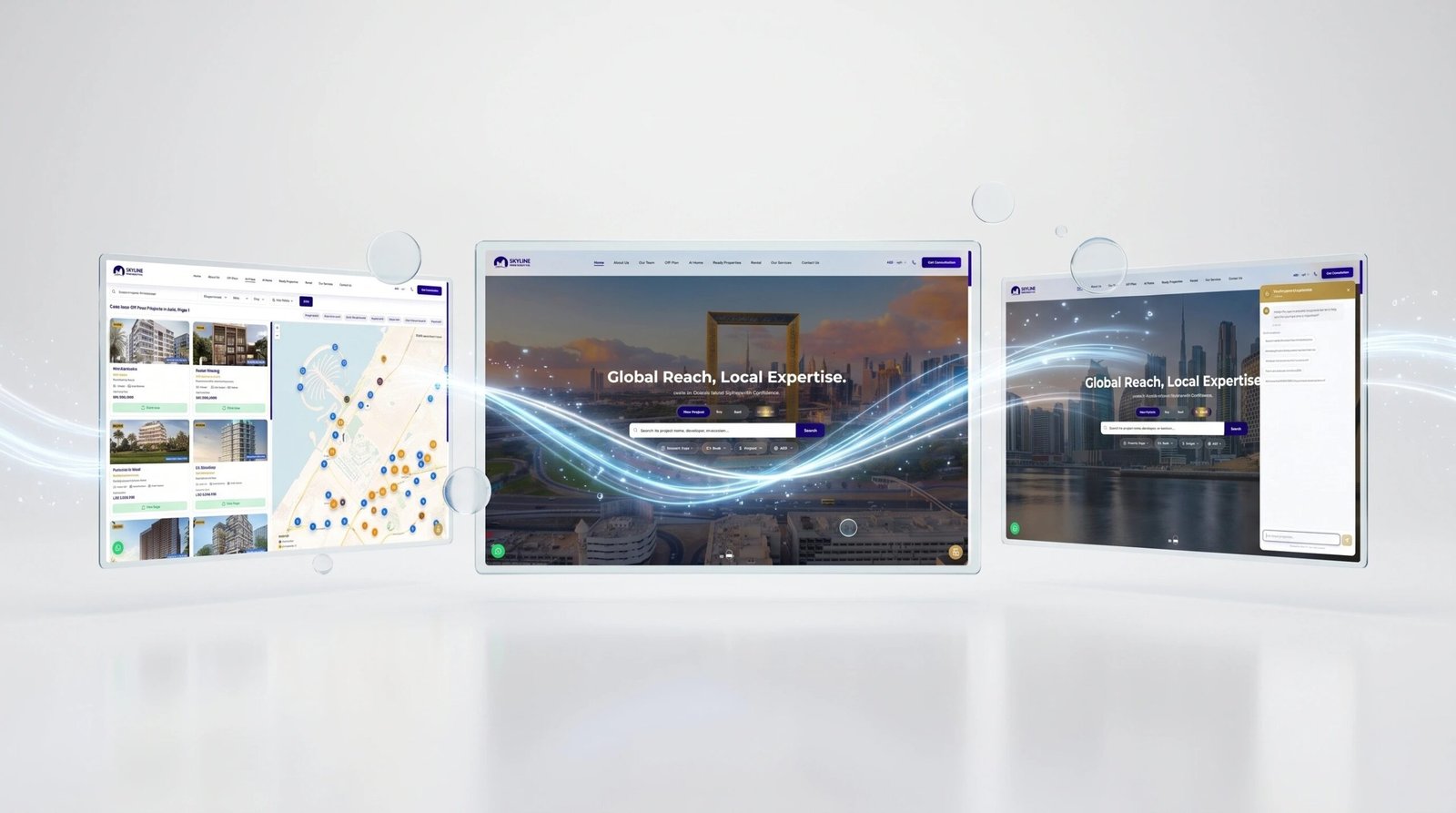
Buying or renting a property is one of the biggest decisions people make, and most of them start online. A real estate website development is no longer a digital brochure. It is your primary sales channel, lead generator, and brand ambassador. Whether you are building a portal for an agency, a developer, or a property marketplace, the right features decide whether visitors become clients or leave after ten seconds. Here are the essentials.
1. Advanced Property Search and Filtering
Search is the heart of any real estate website. If users can’t find relevant listings quickly, nothing else matters.
Smart Filters
Let users narrow results by location, price range, property type (apartment, villa, commercial, plot), bedrooms, bathrooms, area size, and amenities. Add advanced filters such as year built, furnishing status, parking, and proximity to schools or hospitals.
Keyword and Auto-Suggest Search
An auto-complete search bar that suggests neighborhoods, landmarks, and project names saves time and reduces typing, especially on mobile.
Saved Searches and Alerts
Allow users to save their criteria and receive email or push notifications when matching properties are listed. This keeps them coming back and builds a warm lead list for your sales team.
2. High-Quality Property Listings
A listing page is where interest turns into inquiry, so it needs to be detailed and visually compelling.
Rich Media Galleries
Include high-resolution photos, video walkthroughs, drone footage, and 360° virtual tours. Listings with strong visuals consistently receive more inquiries than those with a few small images.
Complete Property Information
Show price, size, location, floor plans, amenities, payment plans, and ownership details clearly. Transparency builds trust, and buyers are more likely to contact you when they don’t have to hunt for basics.
Clear Calls to Action
Place “Schedule a Visit,” “Request a Call Back,” and “WhatsApp Us” buttons prominently on every listing.
3. Interactive Maps and Location Tools
Location is the first thing buyers consider, so your website should help them evaluate it visually.
Map-Based Search
Integrate Google Maps or Mapbox so users can browse properties on a map, draw search boundaries, and zoom into specific neighborhoods.
Neighborhood Insights
Display nearby schools, hospitals, shopping centers, public transport, and restaurants. Features like walk scores and commute-time calculators help users picture daily life in the area.
4. Mobile-Responsive and Fast Design
Most property searches now happen on smartphones. A site that is slow or awkward on mobile will lose visitors quickly.
Responsive Layout
Your design must adapt smoothly to phones, tablets, and desktops, with touch-friendly buttons and readable text.
Page Speed Optimization
Compress images, use lazy loading, enable caching, and choose reliable hosting. Image-heavy real estate sites need extra attention here, since slow load times hurt both user experience and search rankings.
5. Lead Capture and CRM Integration
A real estate website exists to generate leads, so capturing and managing them is critical.
Smart Contact Forms
Keep forms short and place them strategically across the site. Too many required fields discourage submissions.
Live Chat and Chatbots
Instant answers matter. A chatbot can handle common questions, qualify leads, and book appointments around the clock, handing off to a human agent when needed.
CRM Integration
Connect your website to a CRM such as HubSpot, Salesforce, or Zoho so every inquiry is automatically recorded, assigned, and followed up. This prevents lost leads and gives your team a clear pipeline.
6. User Accounts and Personalization
Personalized experiences keep users engaged and help them make decisions faster.
Favorites and Wishlists
Let visitors save properties, compare listings side by side, and share them with family or partners.
Personalized Recommendations
Use browsing behavior and saved preferences to suggest similar properties. Even simple recommendation logic can noticeably increase engagement.
Agent and Client Dashboards
Give agents a dashboard to manage listings, track inquiries, and view analytics. Give clients a space to track viewings, documents, and saved searches.
7. Mortgage and Financial Calculators
Affordability questions come early in the buying journey. Tools that answer them keep users on your site.
Mortgage Calculator
Let users estimate monthly payments based on loan amount, interest rate, and tenure.
Additional Tools
Consider adding rent-versus-buy calculators, ROI estimators for investors, and stamp duty or tax calculators relevant to your market. These tools position your brand as helpful and trustworthy.
8. Content Management and Admin Panel
Behind every great real estate website is an easy-to-use backend.
Easy Listing Management
Your team should be able to add, edit, and remove listings without technical help. Bulk upload and CSV or API import options are valuable for large inventories.
MLS and IDX Integration
For markets that use them, integrating Multiple Listing Service or IDX feeds keeps your listings accurate and current automatically.
Role-Based Access
Assign different permission levels to admins, agents, and content editors to keep data secure and workflows organized.
9. SEO and Content Marketing Features
Visibility drives traffic, and traffic drives leads.
Technical SEO
Use clean URLs, schema markup for property listings, XML sitemaps, optimized meta tags, and fast loading speeds. Location-based landing pages help you rank for searches like “3-bedroom apartments in [city].”
Built-In Blog
A blog covering market trends, buying guides, investment tips, and neighborhood spotlights attracts organic traffic and establishes your expertise.
Social Sharing and Integration
Make it easy to share listings on Facebook, Instagram, WhatsApp, and LinkedIn, and connect your site with your social profiles.
10. Security, Trust, and Compliance
Users share personal and financial information on real estate sites, so trust is non-negotiable.
SSL and Data Protection
Use HTTPS, secure payment gateways, regular backups, and protection against spam and hacking attempts.
Privacy Compliance
Follow applicable regulations such as GDPR, include clear privacy policies, and provide cookie consent options.
Trust Signals
Display client testimonials, agent profiles, certifications, awards, and verified listing badges. These elements reassure visitors that they are dealing with a credible business.
11. Analytics and Performance Tracking
You can’t improve what you don’t measure.
Traffic and Behavior Insights
Integrate Google Analytics and heatmap tools to see which listings attract attention, where users drop off, and which marketing channels deliver the best leads.
Conversion Tracking
Track form submissions, calls, and chat conversations to understand your cost per lead and refine your marketing strategy.
12. Emerging Features Worth Considering
Forward-thinking real estate businesses are adding technology that sets them apart.
- AI-powered search and chat assistants that understand natural-language queries like “family home near a good school under $300,000.”
- Virtual and augmented reality tours that let remote buyers explore properties immersively.
- Digital document signing to streamline agreements and reduce paperwork.
- Virtual staging to show empty properties furnished, helping buyers visualize the space.
Final Thoughts
A successful real estate website combines powerful search, rich visuals, seamless lead management, and a trustworthy, fast, mobile-friendly experience. Start with the core essentials (search, listings, maps, forms, and CRM integration) and expand into advanced tools as your business grows. Above all, design around your users’ journey, from first search to signed contract. A site that makes that journey simple and confident will outperform competitors with flashier designs but weaker functionality.